How to Optimize Digital Connectivity Abroad in 2026
TL;DR:
- Optimizing digital connectivity abroad is essential for productivity and avoiding costly issues during travel. Travelers should prepare by verifying device unlock status, downloading offline resources, and choosing a suitable eSIM or local SIM in advance. Using hardware tools like travel routers and hotspots, along with proper device settings and troubleshooting, enhances reliability and security in various environments.
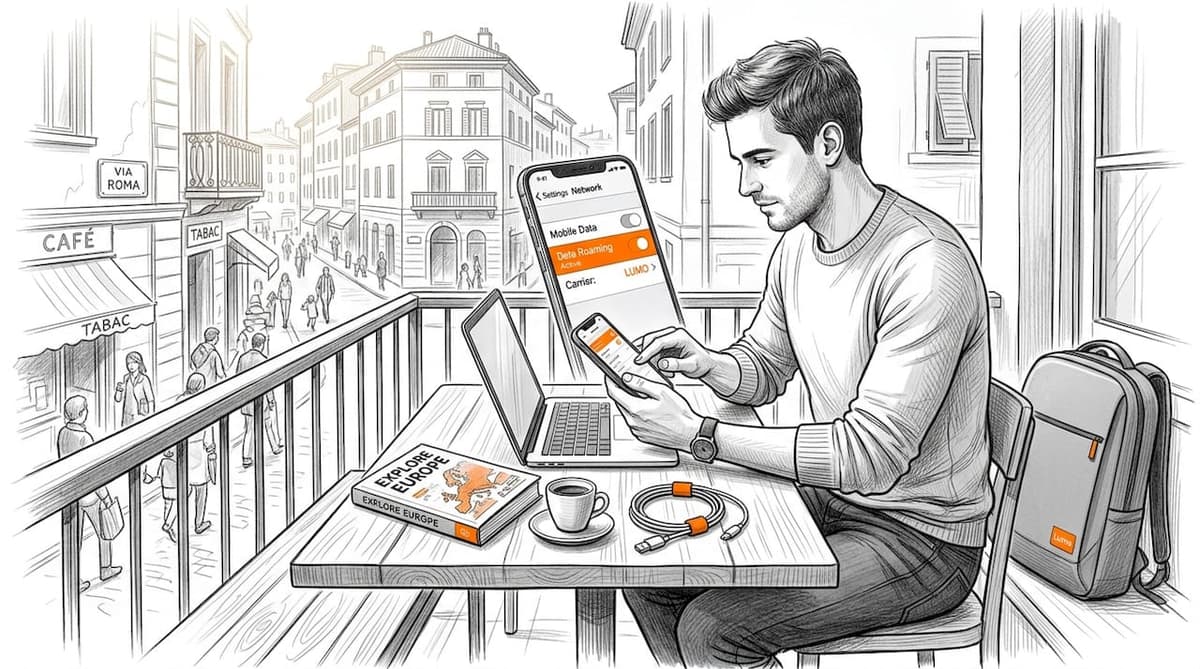
Slow hotel Wi-Fi killing your deadline. Your phone racking up roaming charges you didn’t authorize. A video call dropping mid-pitch because the café connection couldn’t hold. If you travel frequently or work remotely from other countries, you already know these frustrations. Knowing how to optimize digital connectivity abroad is not a nice-to-have skill anymore. It’s the difference between a productive trip and a genuinely costly disaster. This guide walks you through every layer of the problem: preparation, connectivity options, hardware, device settings, and troubleshooting fixes that actually work.
Table of Contents
- Key takeaways
- How to optimize digital connectivity abroad: start before you leave
- Choosing your connectivity option abroad
- Hardware tools that upgrade your connection
- Device configuration and security abroad
- Troubleshooting connection problems on the road
- My honest take on connectivity abroad
- Stay connected anywhere with Lumo eSIM
- FAQ
Key takeaways
| Point | Details |
|---|---|
| Prepare before you fly | Verify your device is unlocked and download offline resources before departure to avoid surprises. |
| eSIMs beat roaming rates | eSIM plans often cost a fraction of carrier roaming packages, but you must confirm unlock status first. |
| Travel routers solve hotel Wi-Fi | A travel router authenticates once for all your devices, eliminating captive portal failures. |
| Airplane Mode cuts surprise charges | Activating Airplane Mode with Wi-Fi on prevents your phone from connecting to foreign carriers accidentally. |
| Always have a backup method | No single connectivity option is fail-proof. Layer your tools: eSIM, hotspot, and router together. |
How to optimize digital connectivity abroad: start before you leave
Most travelers treat connectivity as something to figure out at the airport. That approach guarantees problems. The real work happens before departure.
Start by estimating your actual data needs. A week of email and messaging burns roughly 500MB. Add video calls and that number jumps to 3GB or more. If you are streaming or uploading large files, plan for 10GB minimum per week. Being specific here helps you choose the right plan rather than overpaying for data you will not use.
Next, verify your device. Unlocked phones are non-negotiable for using local SIMs or eSIMs abroad. Phone unlock status must be confirmed in advance to avoid losing mobile coverage the moment you land. Contact your carrier at least a week before travel.
- Check your current carrier’s international add-ons. Many offer daily or weekly flat-rate packages that work for short trips.
- Download offline maps, documents, and entertainment before you leave. Google Maps offline mode covers most major destinations and works without a data connection.
- Back up your devices to cloud storage or a hard drive. Losing your phone abroad without a backup is a connectivity problem and a data problem.
- Enable data roaming only when you need it, and understand exactly what it costs per megabyte in your destination.
Pro Tip: Call your carrier the day before departure to confirm international features are active. Automated online settings do not always propagate in time.
Choosing your connectivity option abroad
This is where most travelers make expensive mistakes. Every option has a context where it wins and a context where it fails.
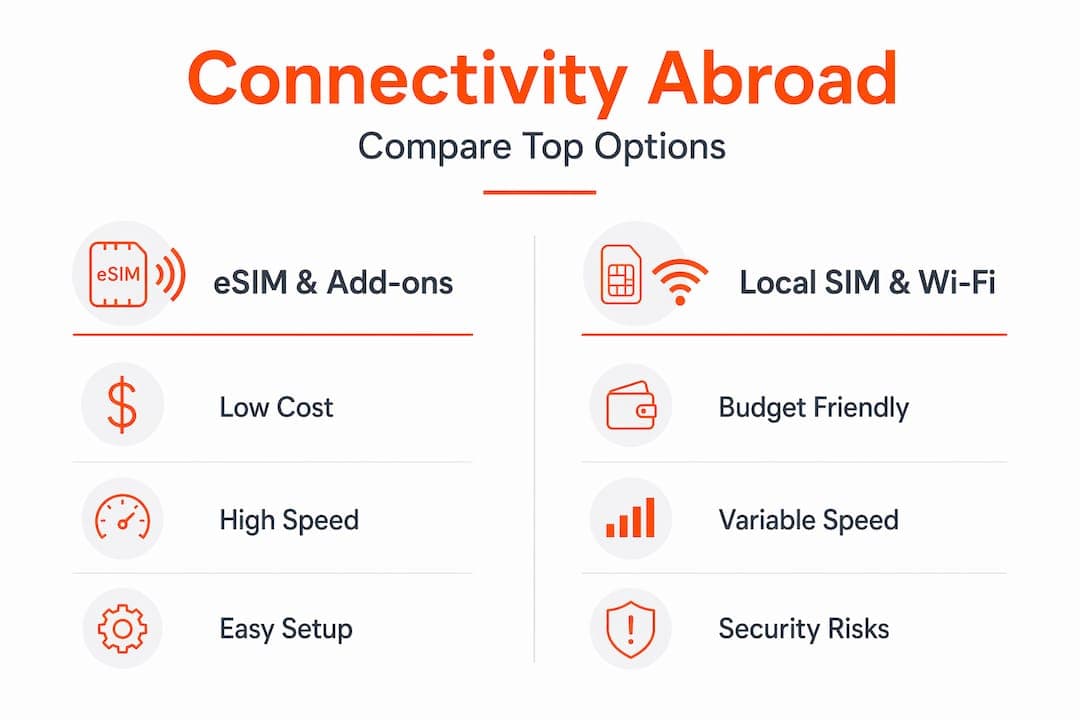
eSIMs are now the top choice for frequent travelers and digital nomads. eSIM plans cost as little as $1 per day when spread across a multi-day plan, making them dramatically cheaper than most roaming packages. You activate them with a QR code before you board, and you keep your existing number for calls and texts on a separate profile. The eSIM advantages over physical SIM are especially clear for travelers crossing multiple countries on a single trip.
Local physical SIM cards are worth considering in countries where eSIM support is still limited. They are available at most airports and telecom shops, usually at excellent local rates. The downside is the time and hassle of finding the right vendor and getting a working setup in a language you may not speak.
International carrier add-ons work best for trips under five days where the daily fee makes sense. Beyond that, the cost adds up fast.
Public Wi-Fi at airports, hotels, and cafes fills gaps but should never be your primary connection. It is slow during peak hours and presents real security risks.
| Option | Cost | Speed | Convenience | Security |
|---|---|---|---|---|
| eSIM | Low | 4G/5G | Very high | High |
| Local SIM | Low | 4G/5G | Moderate | High |
| Carrier roaming | High | 4G | High | High |
| Public Wi-Fi | Free | Variable | Very high | Low |
| Travel router + Wi-Fi | Low setup cost | Depends on source | High | High |
Pro Tip: Buy your eSIM before you leave home. Activation at the destination is easy, but purchasing while abroad sometimes triggers fraud alerts on your payment card.
Hardware tools that upgrade your connection
Even a solid eSIM plan has gaps. A few pieces of hardware close those gaps reliably.
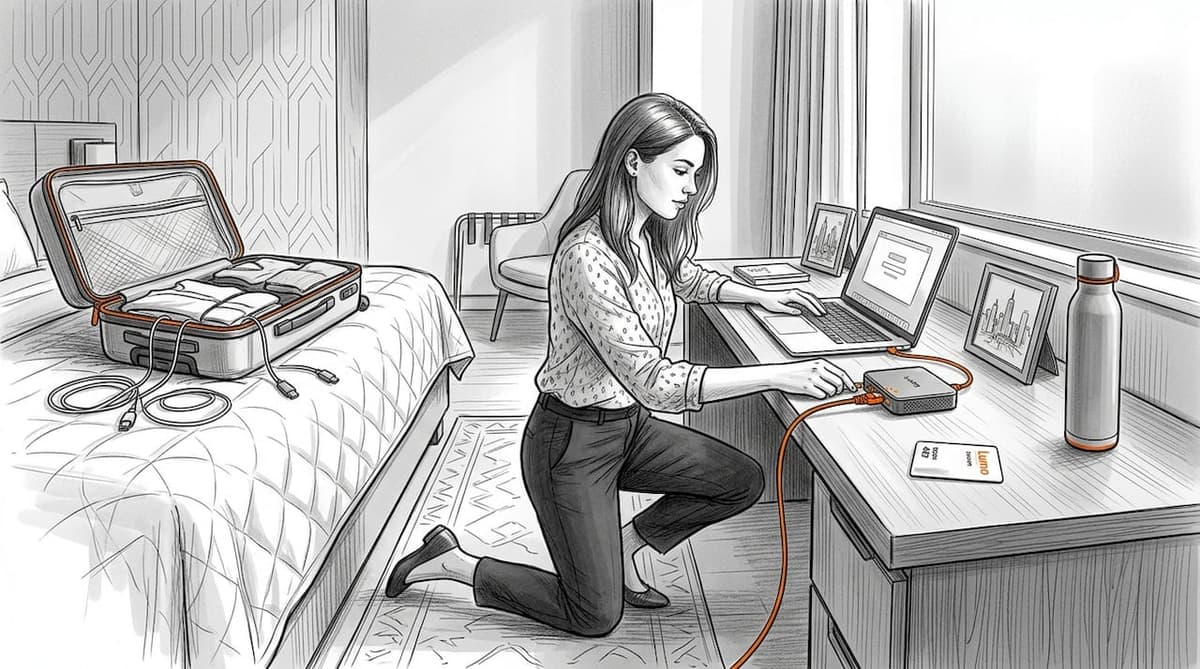
Travel routers and hotspots significantly outperform bare hotel Wi-Fi connections, especially when you are working from a room where the router is two floors away. Travel routers work in WISP mode, connecting to the hotel network on your behalf. Every device in your room then connects to the travel router, not the hotel Wi-Fi directly.
This matters most because of captive portal problems. Hotel and café networks often require a browser-based login before granting access. If you have a laptop, phone, and tablet, that normally means authenticating each device separately. Captive portal authentication once per router solves this entirely. The router logs in once, and every connected device benefits from that single session.
Personal hotspots from your eSIM-enabled phone are the fastest backup. When hotel Wi-Fi dies at 9pm during a client call, your phone’s cellular connection takes over in seconds. For reliable remote work connectivity, combining a local eSIM with tethering capability covers the vast majority of situations.
Satellite internet via Starlink Mini is worth mentioning for truly remote locations: research vessels, mountain retreats, rural Airbnbs in countries with poor cellular infrastructure. It is overkill for standard city travel but genuinely the only option in some locations.
Pro Tip: If you use a travel router, look for one with an Ethernet port. Many hotel business centers and wired rooms offer direct cable access, which is far faster and more stable than any Wi-Fi connection.
Device configuration and security abroad
The right hardware gets you connected. The right device settings keep you connected efficiently and keep your data safe.
- Turn on Airplane Mode with Wi-Fi enabled as your default phone state in any country where you are using an eSIM or local SIM. Airplane Mode prevents roaming charges by stopping your phone from searching for foreign carrier signals while still letting you use apps over Wi-Fi.
- Install a reputable VPN before you travel. Use it on every public network. Many countries restrict certain websites, and a VPN also encrypts your traffic on café Wi-Fi where other users share the same network.
- Disable background app refresh on both iOS and Android. Social media apps, cloud backup services, and system updates burn data constantly in the background. Turn them off or set them to Wi-Fi only.
- Change your DNS to a faster public option like Cloudflare (1.1.1.1) or Google (8.8.8.8). In countries where default ISP DNS servers are slow, this single change can meaningfully speed up page load times.
- Disable auto-join for Wi-Fi networks. Your phone should never connect to an unknown public network without your explicit approval.
Pro Tip: Set your most data-heavy apps, like Dropbox or Google Photos, to sync only on Wi-Fi. One accidental cellular sync of a photo library can drain a daily data plan in minutes.
Troubleshooting connection problems on the road
When something breaks, having a clear process saves you hours of frustration.
- Confirm your eSIM or SIM is active. Go to your phone settings and verify the profile shows as active and the correct carrier name appears in your signal bar.
- If you cannot get past a captive portal, open a browser and manually navigate to a plain HTTP address like "http://neverssl.com`. HTTPS pages sometimes prevent portal redirects from loading.
- Test Wi-Fi versus cellular speeds using a speed test app at multiple times of day. Hotel networks slow dramatically during evening hours when every guest is streaming.
- If your travel router shows as connected but devices cannot load pages, authenticate through the captive portal via the router’s admin interface or by temporarily connecting your phone directly to the hotel Wi-Fi to complete login.
- For weak cellular signal in a hotel room, move closer to a window or higher floor. Building materials block cellular frequencies significantly.
Pro Tip: Save the hotspot configuration on your laptop before you travel. When hotel Wi-Fi fails at midnight, fumbling through network settings while exhausted costs you time you do not have.
My honest take on connectivity abroad
I have spent years managing connectivity across dozens of countries, and the lesson I keep learning is that the travelers who struggle most are the ones who over-rely on one solution.
International roaming from your home carrier feels convenient until the bill arrives. I have seen remote workers pay $200 for a week of moderate usage when a local eSIM would have cost $15. The savings are not marginal. They are significant enough to change your budget.
eSIM adoption has been one of the best shifts in travel tech in the last five years. But I will be honest: the first time I tried to set up an eSIM in a foreign airport with weak Wi-Fi and a payment card getting flagged, it was not smooth. Buy it before you go. Activate it before you board. That removes 90% of the friction.
The piece of advice I give every remote worker I know is this: bring a travel router. Hotel Wi-Fi is built for casual browsing by hundreds of guests. It is not built for eight-hour workdays with video calls. A small router that fits in a jacket pocket changes that reality completely.
Finally, technology keeps improving, but the fundamentals have not changed. You need a fast connection, a backup plan, and the knowledge to fix it yourself when something goes wrong.
— Bogdan
Stay connected anywhere with Lumo eSIM

If any of this sounds like too many moving parts, Lumo simplifies the whole setup. Lumo offers instant global data plans covering over 160 countries, activated in minutes with a QR code scan. No physical SIM swapping. No carrier store lines. No surprise roaming bills.
You pick the plan that fits your destination and data needs, activate it before departure, and you are connected the moment you land. Lumo supports 5G and 4G networks across all major regions, with flexible plans that work whether you are in Tokyo for three days or working remotely across Southeast Asia for three months. For travelers who want reliable global data usage without the complexity, Lumo is worth exploring before your next trip.
FAQ
What is the cheapest way to get internet abroad?
eSIM plans are typically the most affordable option, with some plans costing around $1 per day depending on the destination and data volume, far cheaper than standard carrier roaming packages.
Does Airplane Mode prevent roaming charges?
Yes. Airplane Mode stops your phone from connecting to foreign carriers, preventing accidental roaming charges while still allowing Wi-Fi use for apps and calls.
Do I need to unlock my phone to use an eSIM abroad?
Yes. Your phone must be carrier-unlocked to activate a foreign eSIM or local SIM. Confirm unlock status with your carrier before traveling.
What is a travel router and do I really need one?
A travel router connects to public or hotel Wi-Fi on your behalf, handles captive portal authentication once, and shares the connection across all your devices securely. If you work remotely from hotels, it is one of the most practical tools you can carry.
How do I improve internet access overseas when signal is weak?
Move to a higher floor or near a window to improve cellular signal. Switch between Wi-Fi and cellular data to find the faster connection, and test speeds at different times since network congestion varies significantly throughout the day.
Recommended
- The ultimate international travel tech checklist for 2026 | Lumo eSIM Store
- International Data Plan Checklist 2026: Save 40% on Travel | Lumo eSIM Store
- Types of global connectivity: smart travel options 2026 | Lumo eSIM Store
- International travel tech tips for seamless connectivity | Lumo eSIM Store
Related Topics
Stay Connected Anywhere
Prepaid eSIM data plans for 180+ countries and territories. No physical SIM required.