Your Global Connectivity Checklist for International Travel
TL;DR:
- Proper eSIM setup before departure ensures immediate connectivity upon arrival in a new country. Configuring and testing network settings, along with using travel routers and regional plans, significantly improve connection reliability and security abroad. Preparation and adherence to a global connectivity checklist prevent frustrating surprises and safeguard your online activities during international travel.
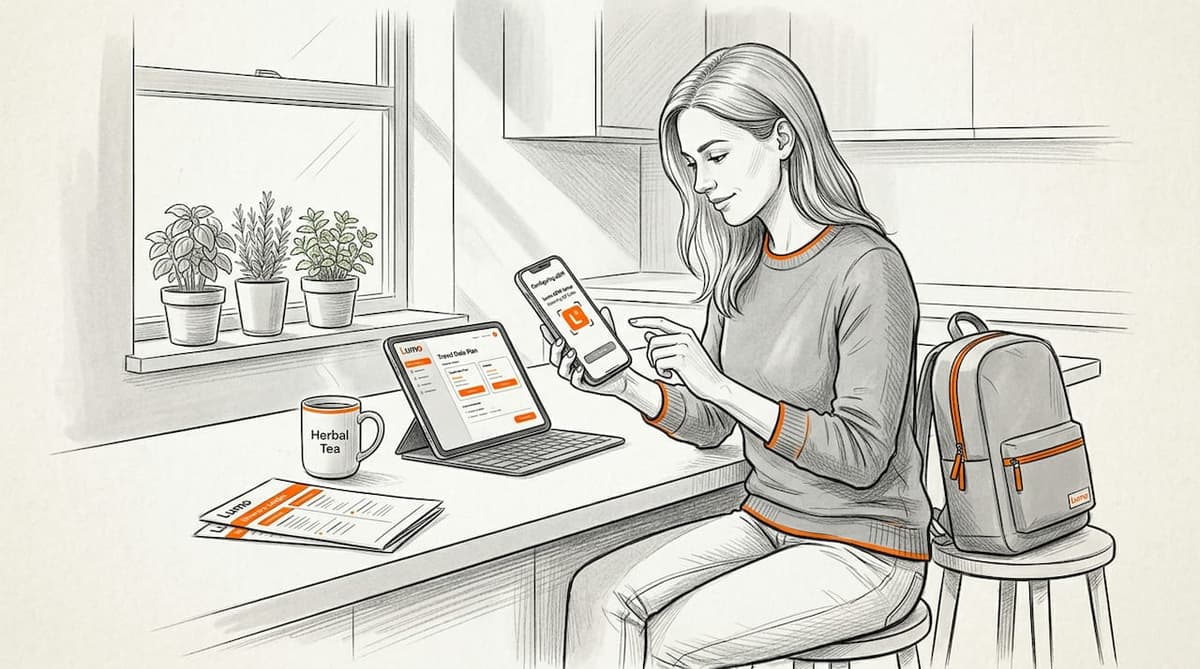
Landing in a new country and discovering your phone has no data is one of the most frustrating travel experiences. A solid global connectivity checklist prevents that. This guide walks you through every step travelers need to take before and during international trips: device setup, eSIM configuration, travel tech tools, network quality testing, and cost management. Whether you’re a remote worker taking calls from Lisbon or a backpacker hopping between Southeast Asian cities, getting connected reliably starts with preparation, not luck.
Table of Contents
- Key takeaways
- 1. Your global connectivity checklist starts with device prep
- 2. Configure your SIM lines to avoid silent failures
- 3. Use travel tech to improve connectivity reliability
- 4. Test network quality before depending on it
- 5. Choose the right data plan for multi-country routes
- 6. Apply global networking guidelines to your security setup
- My honest take on staying connected abroad
- Stay connected anywhere with Lumo eSIM
- FAQ
Key takeaways
| Point | Details |
|---|---|
| Configure eSIM before you leave | Install and activate your eSIM at home on Wi-Fi so it’s ready the moment you land. |
| Disable roaming on your home SIM | Keeping your home SIM roaming off protects you from surprise charges while abroad. |
| Test network quality, not just signal bars | Use objective tools to measure latency, jitter, and packet loss before relying on a connection. |
| Use regional plans for multi-country trips | One regional eSIM plan with automatic carrier switching covers more ground for less money. |
| Pair a travel router with VPN | A travel router sharing your eSIM data with a kill-switch VPN protects all your devices at once. |
1. Your global connectivity checklist starts with device prep
Before you touch an airport gate, your device needs to be ready. The first question: does your phone support eSIM? Most flagship smartphones released after 2020 do, but mid-range and budget models vary. Check your device settings under “Cellular” or “Mobile Network” and look for an “Add eSIM” or “Add Data Plan” option.
Next, confirm your phone is network unlocked. Carrier-locked phones often block foreign eSIM profiles from activating, which is a problem nobody wants to discover at 11 PM in a foreign city.
- Verify eSIM compatibility in your device settings
- Contact your carrier to confirm your phone is unlocked
- Update your device’s iOS or Android to the latest version before travel
- Back up your current eSIM QR codes or activation details in a secure note
Pro Tip: Install your eSIM plan at home over Wi-Fi a few days before departure. Smart Start technology means most plans only begin their validity period once your phone connects to a local carrier at your destination, so there’s no wasted time.
2. Configure your SIM lines to avoid silent failures
This is where most travelers go wrong. Having an eSIM installed is not enough. You have to tell your phone which line to use for data and which lines have roaming enabled. Misconfigured dual-SIM settings cause silent failures, unexpected charges, and the frustrating loop of having full signal but no internet.
The fix is straightforward. Go to your cellular settings and set your travel eSIM as the default data line. Then enable data roaming specifically on the eSIM line. The critical move: disable data roaming on your home SIM entirely. Leaving home SIM roaming active is how travelers rack up hundred-dollar charges without making a single call.

Enabling data roaming on the eSIM while turning it off on the home SIM resolves the vast majority of connection problems travelers report abroad. It takes 90 seconds in your phone settings and saves enormous headaches.
Pro Tip: Label your SIM lines clearly in your phone settings, for example “Home” and “Europe Travel,” so you always know which is active at a glance. This is one of the most overlooked international connectivity tips.
3. Use travel tech to improve connectivity reliability
A good eSIM plan gives you mobile data. A smart tech setup makes that data reliable across all your devices. Travel routers are the underrated piece of this puzzle. A pocket-sized travel router can repeat a weak hotel Wi-Fi signal, share your phone’s eSIM data over USB tethering, and run a VPN simultaneously for every connected device. That single box solves three problems at once.
Travel routers can repeat hotel Wi-Fi, run a VPN with kill-switch capability, and distribute strong mobile data to laptops, tablets, and other devices. For anyone working remotely abroad, this setup is worth every ounce of carry-on weight it occupies.
- Choose a travel router that supports USB tethering and has a built-in VPN client
- Look for models under 150 grams with a 5,000 mAh battery or external power support
- Configure your VPN kill-switch before leaving home so it’s already tested
- Use mobile proxies for secure transactions on public networks in countries with stricter internet controls
Pro Tip: Travel routers with integrated VPNs that include kill-switch support protect your privacy even when the VPN briefly reconnects, preventing unencrypted data from leaking through.
4. Test network quality before depending on it
Signal bars tell you almost nothing useful. Four bars of LTE can still deliver a connection so jittery that a video call falls apart in 30 seconds. A real connectivity assessment checklist uses actual metrics: packet loss, jitter, and round-trip latency.
Here’s what each one means in plain terms.
| Metric | What it measures | Good threshold for calls |
|---|---|---|
| Packet loss | Percentage of data packets that never arrive | Below 1% |
| Jitter | Variation in packet arrival time | Below 30 ms |
| Latency (RTT) | Time for data to travel to server and back | Below 100 ms |
The Microsoft Teams Network Assessment Tool runs objective packet-based tests and tells you exactly whether your current connection can handle live calls. It’s free, fast, and far more honest than checking your signal icon.
Verifying IP addresses and ports for the specific apps you rely on, especially video conferencing tools, catches firewall and port-blocking issues before your 9 AM client call. Run the test, check the results against the thresholds above, and switch networks or carriers if numbers fall short.
5. Choose the right data plan for multi-country routes
Picking the wrong plan is how travelers spend more money for worse coverage. The core decision is between single-country plans and regional or global plans. If you’re visiting more than two countries in one trip, a regional plan almost always wins on cost and convenience.
Regional eSIM plans covering 35 to 42 countries automatically switch carriers as you cross borders, drawing from a shared data pool. You don’t reinstall anything. Your phone just connects to the strongest local carrier available.
| Plan type | Best for | Cost profile | Coverage flexibility |
|---|---|---|---|
| Single-country eSIM | One-destination trips | Low per-trip cost | Limited to one country |
| Regional eSIM | Multi-country Europe or Asia routes | Moderate, great value | 35 to 42 countries auto-switching |
| Global eSIM | Frequent travelers, digital nomads | Higher upfront, lowest per-day cost | 100 to 160+ countries |
When comparing plans, check three things: the data cap per day versus per total plan, whether hotspot or tethering usage is counted separately, and which specific carriers the plan connects to in each country. Centralized management tools help frequent travelers track usage and costs across multiple plans without juggling different apps.
You can browse Lumo’s destination coverage to check which countries and carriers are included before committing to a plan.
6. Apply global networking guidelines to your security setup
Connectivity without security is a half-finished job. Public Wi-Fi in airports, cafes, and hotels remains a prime target for credential interception. The global networking guidelines that matter most here are simple: never send sensitive data over unencrypted networks, always use a VPN when connected to public Wi-Fi, and disable automatic Wi-Fi joining in unfamiliar locations.
Your eSIM mobile data connection is generally safer than public Wi-Fi because it uses the carrier’s encrypted network. When you’re on mobile data, you’re not broadcasting on a shared network that anyone nearby can monitor. This is a real reason to prefer your eSIM connection over complimentary hotel Wi-Fi, especially for banking or work applications.
Check your settings to confirm your phone does not automatically switch from mobile data to available Wi-Fi without your knowledge. On both iOS and Android, you can set mobile data as the preferred connection to keep this in your control.
My honest take on staying connected abroad
I’ve watched travelers spend the first three hours of a trip troubleshooting connectivity that should have been sorted at home. The real problem is never the carrier. It’s almost always a settings issue that takes five minutes to fix if you know what to look for.
The biggest myth I keep seeing is that roaming just works. It doesn’t by default. The home carrier’s roaming charges are brutal, and the eSIM line won’t use mobile data until you explicitly enable data roaming on it and set it as default. Most connection failures I’ve seen come down to exactly that one missed step.
What changed everything for me was treating connectivity like a pre-flight checklist rather than an afterthought. Install the eSIM at home. Configure both SIM lines carefully. Run a network quality test at your first hotel. Pair a travel router when you need reliable coverage across multiple devices. These aren’t workarounds. They are standard practice for anyone traveling with connectivity needs in 2026. The tools are there. The approach in this international collaboration checklist is sound. Use it before you leave, not after you land.
— Bogdan
Stay connected anywhere with Lumo eSIM
If this checklist has one clear theme, it’s that preparation beats troubleshooting. Lumo makes the preparation part straightforward. With coverage across 160+ countries worldwide, you can install your eSIM plan days before departure and have it activate automatically when you land. No physical SIM swaps. No roaming fees from your home carrier. Just reliable 5G and 4G data from the moment you step off the plane. Lumo’s regional and global plans include automatic carrier switching, so multi-country routes work without any extra setup. Explore Lumo’s travel data plans and pick the coverage that matches your itinerary.
FAQ
What is a global connectivity checklist for travelers?
A global connectivity checklist is a step-by-step preparation guide covering device setup, eSIM configuration, network testing, and security settings to make sure you have reliable mobile data abroad.
Why does my eSIM show signal but have no data?
This is almost always a settings issue. Data roaming is often disabled on the eSIM line by default. Go to cellular settings, enable data roaming on your travel eSIM, and set it as the default data line.
How do I test my connection quality before an important call?
Use the Microsoft Teams Network Assessment Tool to measure packet loss, jitter, and latency. Numbers above the thresholds for those metrics indicate the connection will not support reliable calls.
Is a regional eSIM plan better than buying local SIMs?
For trips covering two or more countries, yes. Regional eSIM plans handle automatic carrier switching across borders with a shared data pool, saving both money and the hassle of sourcing a new SIM in each country.
Do I need a VPN if I’m using eSIM mobile data?
A VPN adds an extra layer of privacy but is most critical on public Wi-Fi. Your eSIM mobile data connection is encrypted at the carrier level, making it inherently more private than shared hotel or cafe Wi-Fi networks.
Recommended
- The ultimate international travel tech checklist for 2026 | Lumo eSIM Store
- 6 main types of travel connectivity for seamless trips | Lumo eSIM Store
- International travel tech tips for seamless connectivity | Lumo eSIM Store
- International Data Plan Checklist 2026: Save 40% on Travel | Lumo eSIM Store
Related Topics
Stay Connected Anywhere
Prepaid eSIM data plans for 180+ countries and territories. No physical SIM required.