Secure mobile data guide: Stay connected globally, risk-free
TL;DR:
- An eSIM is more secure than physical SIMs, reducing risk of theft and tampering.
- Protect your mobile data abroad by using a VPN, strong passwords, and secure WiFi.
- Proper setup and ongoing vigilance ensure safe, reliable connectivity during international travel.
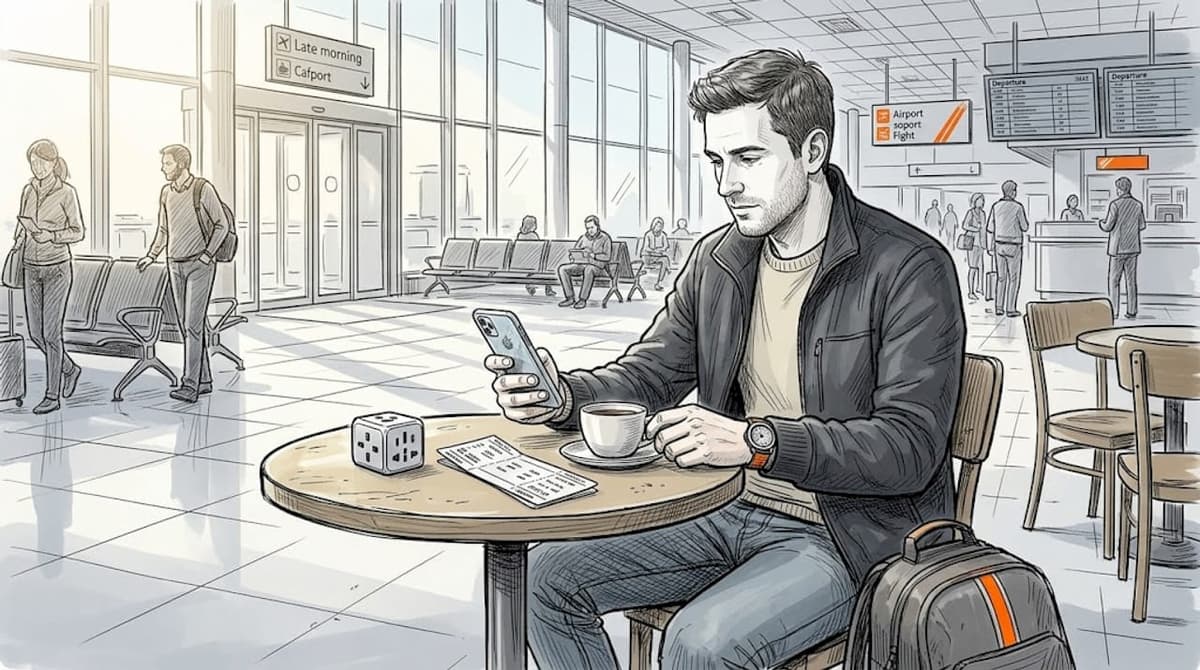
Traveling abroad or working remotely should feel liberating, not like a constant battle with dropped connections, surprise roaming bills, and sketchy public WiFi. Unsecured mobile data is one of the biggest overlooked risks for frequent travelers, exposing your passwords, banking details, and work files to cybercriminals with minimal effort on their part. This guide walks you through every practical step, from choosing the right eSIM to configuring a VPN, so you can stay connected securely and affordably in over 160 countries without the usual headaches.
Table of Contents
- What you need for secure mobile data abroad
- How to set up and secure your mobile data connection
- Best practices to keep your mobile data secure on the road
- Testing, troubleshooting, and optimizing your connection
- What most travelers get wrong about mobile data security
- Take the next step: Go secure, go global
- Frequently asked questions
Key Takeaways
| Point | Details |
|---|---|
| eSIM boosts data safety | A digital eSIM is less vulnerable than a physical SIM, lowering your risk abroad. |
| Setup matters | Installing your eSIM with private WiFi and strong security settings is critical for safe connections. |
| Use VPN abroad | A good VPN protects your info when connecting to public or hotel WiFi, reducing the chance of data theft. |
| Backup plans essential | Having an extra eSIM or SIM card can keep you online if your main connection fails or is blocked. |
| Ongoing vigilance pays off | Monitoring your connection and updating your device prevent potential data breaches and hassles. |
What you need for secure mobile data abroad
Before anything else, let’s clarify what an eSIM actually is. An eSIM (embedded SIM) is a digital SIM profile built directly into your device. Unlike a physical SIM card, you cannot drop it, lose it, or have someone pull it out of your phone at a crowded airport. More importantly, eSIM digital profiles are harder to steal or tamper with than physical SIMs, reducing SIM swap risks through carrier authentication and encryption. That alone makes it a smarter baseline for any traveler who handles sensitive information on the road.
To get started, here is everything you need in one place:
| Tool | What you need | Why it matters |
|---|---|---|
| eSIM-compatible device | iPhone XS+, Google Pixel 3+, most 2020+ Android flagships | Required to install digital SIM profiles |
| eSIM provider | Lumo, Airalo, Holafly, or other top eSIMs for travelers | Provides regional data access without roaming fees |
| VPN app | Trusted paid VPN (ProtonVPN, ExpressVPN) | Encrypts traffic on public networks |
| Secure WiFi | Private network for eSIM activation | Prevents interception during setup |
| Backup option | Local SIM or second eSIM profile | Coverage safety net in rural areas |
| Provider app | Your eSIM provider’s app | Manage data, top up, and monitor usage |
Beyond the tools, lock down these security basics before your trip:
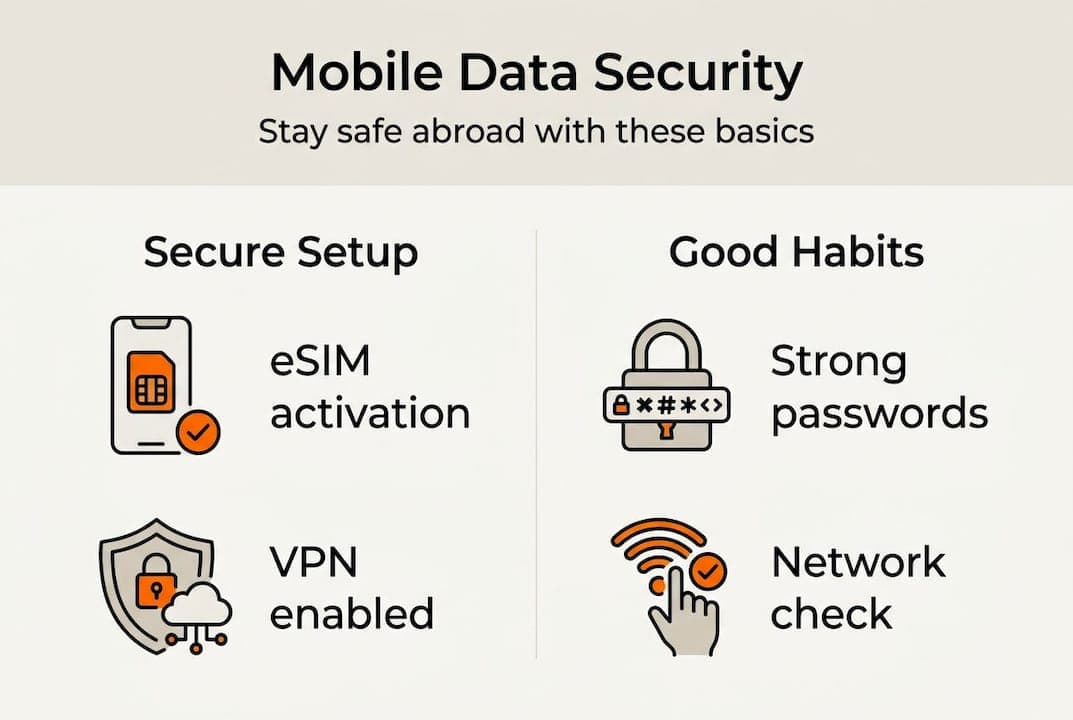
- Enable a strong device passcode or biometric lock
- Keep your operating system and all apps fully updated
- Use unique, strong passwords for your carrier account and email
- Enable two-factor authentication on every account tied to your device
- Research best eSIM providers that match your destination regions
Getting these foundations right takes about 20 minutes. It saves you from hours of damage control later.
How to set up and secure your mobile data connection
Once you’ve got the essentials, here’s how to set up and secure your mobile data for international use.
- Verify device compatibility. Check that your phone supports eSIM and is unlocked. Most carrier-locked phones block third-party eSIM profiles.
- Choose the right provider. Match your plan to your destination. Look for providers covering your specific countries, not just broad regional labels. eSIMs for remote workers often prioritize speed and multi-country coverage over the cheapest rate.
- Connect to a private WiFi network. Never activate an eSIM on public WiFi. Installing over private WiFi protects your account credentials and profile data during the setup handshake.
- Scan the QR code or use the provider app. Follow your provider’s activation steps. Most activate in under two minutes.
- Label your lines. Rename each SIM line clearly, such as “Home” and “Europe Travel,” so your device doesn’t auto-select the wrong one.
- Disable home SIM data roaming. Go into your settings and turn off data roaming for your physical or home eSIM. This stops accidental roaming charges.
- Activate your VPN. Before browsing, turn on your VPN. This is especially critical at hotels, cafes, and airports.
Pro Tip: Use your phone’s Focus or Automation modes to automatically activate the right SIM line at specific locations. It removes human error and keeps cutting costs with eSIM as your default, not your roaming plan.
For provider selection, weigh three factors: regional coverage, download speed, and whether the provider includes built-in security features. Check eSIM for international travel reviews for up-to-date real-world performance data.
Best practices to keep your mobile data secure on the road
Setup is just the start. Ongoing vigilance keeps your data truly safe.
Public WiFi networks at airports, hotels, and coffee shops are hunting grounds for attackers using “man-in-the-middle” techniques, where they intercept unencrypted traffic between your device and the router. Your eSIM data connection avoids this entirely. But the moment you hop on free hotel WiFi without a VPN, you are exposed.

Here is a quick reference for mobile data safety on the road:
Do:
- Always activate your VPN before using any public or hotel network
- Monitor your eSIM data usage weekly through your provider app
- Update your device OS and apps before every international trip
- Set a strong PIN on your carrier account to prevent unauthorized changes
Don’t:
- Reuse passwords across your carrier account, email, and banking apps
- Accept unsolicited eSIM profile transfer requests
- Leave Bluetooth or NFC on in crowded public spaces
- Ignore unusual spikes in data usage, which can signal unauthorized access
Over 80% of data breaches stem from weak or reused credentials, making password hygiene your single highest-impact security habit. Cybersecurity for mobile experts consistently rank credential mismanagement above malware as the top risk for travelers.
Pro Tip: In rural destinations or congested tourist areas, eSIM signal can lag behind a local physical SIM. Carry one unlocked local SIM as a backup data hotspot specifically for mission-critical work calls or uploads.
Testing, troubleshooting, and optimizing your connection
Regularly checking your setup ensures safe, seamless data wherever you go.
Before departure, run this quick verification:
- Make a test call and load a webpage using only your travel eSIM, with home SIM data disabled.
- Activate your VPN and confirm your IP address shows your VPN server location, not your home address.
- Check provider region compatibility against your destination country list on the provider’s coverage map.
- Test data speed using a free speed test app. Anything above 10 Mbps handles video calls comfortably.
For backup planning, compare your options honestly:
| Backup option | Best for | Drawback |
|---|---|---|
| Dual SIM (physical + eSIM) | Long trips, one region | Requires unlocked device |
| Local SIM card | Rural or single-country stays | Requires finding a store on arrival |
| Travel eSIM top-up | Short gaps, global coverage | Higher per-GB cost than local SIM |
If something goes wrong mid-trip, work through these steps:
- Toggle airplane mode on and off to force a network reconnect.
- Manually select your carrier in network settings rather than relying on auto-select.
- Check your provider app for outage notices or data balance issues.
- Contact your eSIM provider’s support. Reputable providers offer 24/7 chat.
For pre-trip eSIM and travel benefits research and best SIM cards for travelers comparisons, read real-world traveler eSIM reviews rather than relying solely on marketing pages. Security features, not just price, should drive your final decision. Pre-trip compatibility checks prevent most issues before they start.
What most travelers get wrong about mobile data security
Here’s what we see repeatedly: travelers spend hours researching flight prices and hotel reviews, then spend 90 seconds picking a mobile data plan based purely on who’s cheapest. That imbalance has real consequences.
The cheapest provider often skips the security infrastructure that matters most, such as encrypted profile delivery, two-factor carrier authentication, and responsive breach support. One compromised account mid-trip can mean frozen banking access, leaked client data, or a ruined work sprint.
Don’t trade convenience for security. One careless click can undo months of planning.
The fix is not complicated. Spend 15 extra minutes reading reliable SIM and eSIM provider reviews that specifically mention security practices. When security outweighs convenience on public networks, you travel with genuine peace of mind, not just a cheap data plan.
Take the next step: Go secure, go global
Knowing what to do is only half the equation. The other half is choosing a provider that actually delivers on security, coverage, and value.

Lumo’s global eSIM plans cover 160+ countries with instant QR code activation, 5G and 4G speeds, and flexible data options built specifically for travelers and remote workers. If you want a side-by-side look at the field, check out our best eSIMs for 2026 breakdown. Your next trip deserves a connection that works as hard as you do.
Frequently asked questions
Is eSIM really safer than a physical SIM for international travel?
Yes. eSIM profiles use carrier-level encryption and authentication, making them far harder to physically steal or fraudulently swap than traditional SIM cards.
Can I use multiple eSIMs or lines on one device for travel backup?
Most modern smartphones support multiple eSIM profiles, letting you label and switch lines or pair a travel eSIM with a local SIM for added reliability.
What’s the best way to avoid data theft when using public WiFi abroad?
Always connect through a trusted VPN before accessing any app or account. VPN encryption prevents attackers from reading your traffic on open networks.
Are unlimited data eSIM plans truly unlimited and secure?
Some providers like Holafly offer unlimited travel data, but fair-use policies may reduce speeds after a threshold. Security still depends on your device settings and VPN habits, not the plan itself.
Recommended
- Secure Mobile Data While Traveling: Cut Costs by 80% | Lumo eSIM Store
- Protect your data: top mobile security tips for travelers | Lumo eSIM Store
- Mobile Data Security Explained: Protect Your Data with eSIM | Lumo eSIM Store
- 7 Essential Travel Data Security Tips for Global Nomads | Lumo eSIM Store
- How to secure business data: a guide for GTA SMBs
Related Topics
Stay Connected Anywhere
Prepaid eSIM data plans for 180+ countries and territories. No physical SIM required.